
Phantom wallet simulator
Give your character a million in Solana and a one-cent gain for the day. RP Wallet puts the portfolio, the chart and the swap screen on your phone. You decide which one gives the joke away.

Three screens from the app
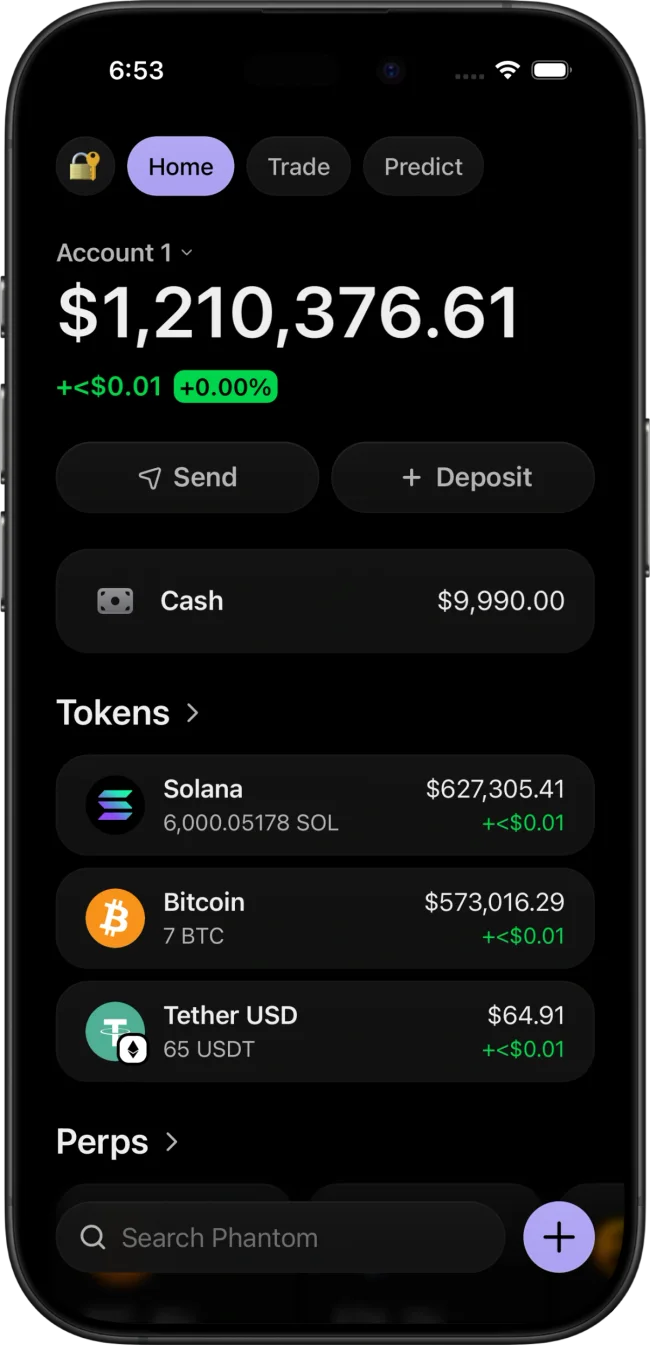
The portfolio
The big number is $1,210,376.61. The day’s gain just below it? One cent. That’s the entire script for a guy who calls himself a day trader.
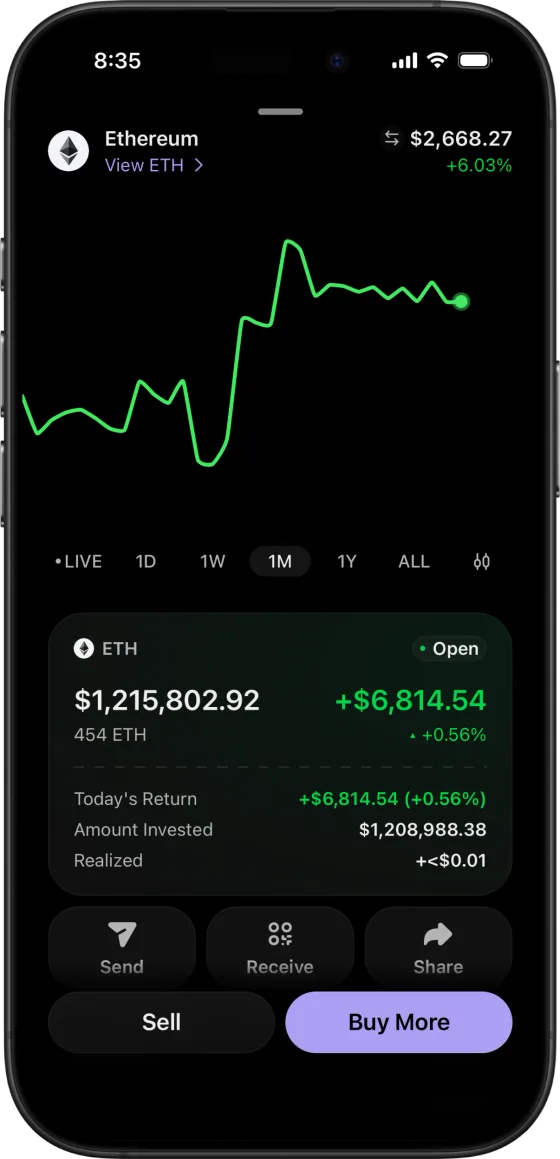
The chart
Open Ethereum and the token gets the whole screen. The green line reads well in a wide shot. Cut closer when you want the audience to notice the position underneath.
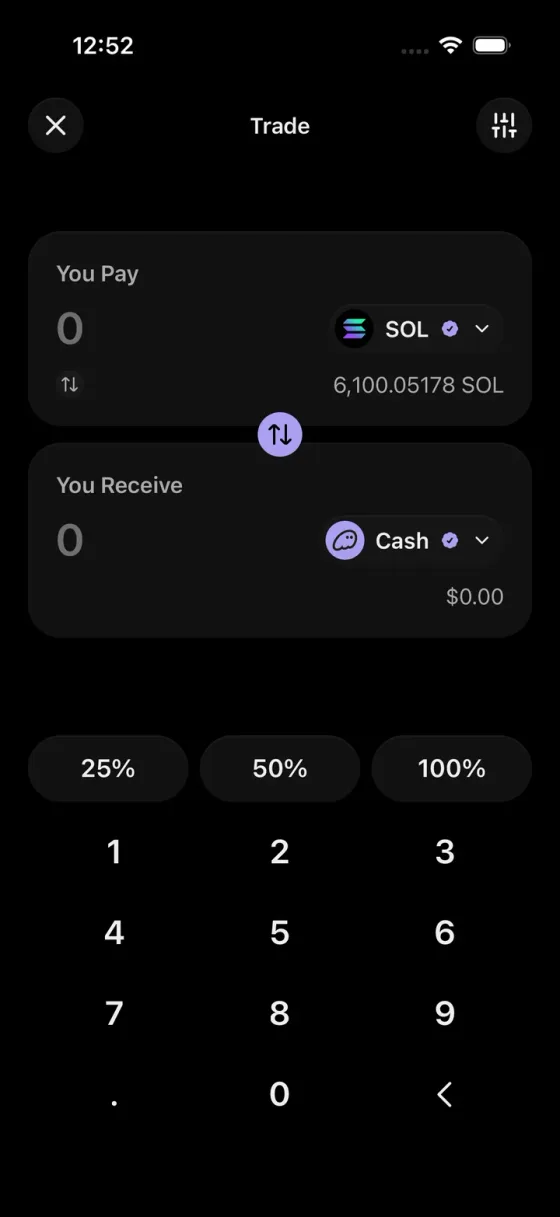
The cutaway
SOL at the top, Cash underneath, thumb over the keypad. Cut back to the table before the character finishes typing. The waiter has already split the bill.
Using a Phantom wallet for pranks
Give the other person in the scene a line worth waiting for. Your friend asks how trading went. You show them seven figures and say, “Up today.” They point to the one cent. Hold there. The audience gets to read the same number you both did.
How do I get the fake Phantom wallet screen on my phone?
Choose a pass in the RP Wallet store, activate it with your license key and open the Phantom-style simulator. Add it to your iPhone or Android home screen if you want the browser bar out of the shot. Set the amounts before you start recording so the first thing viewers see is the reveal.